
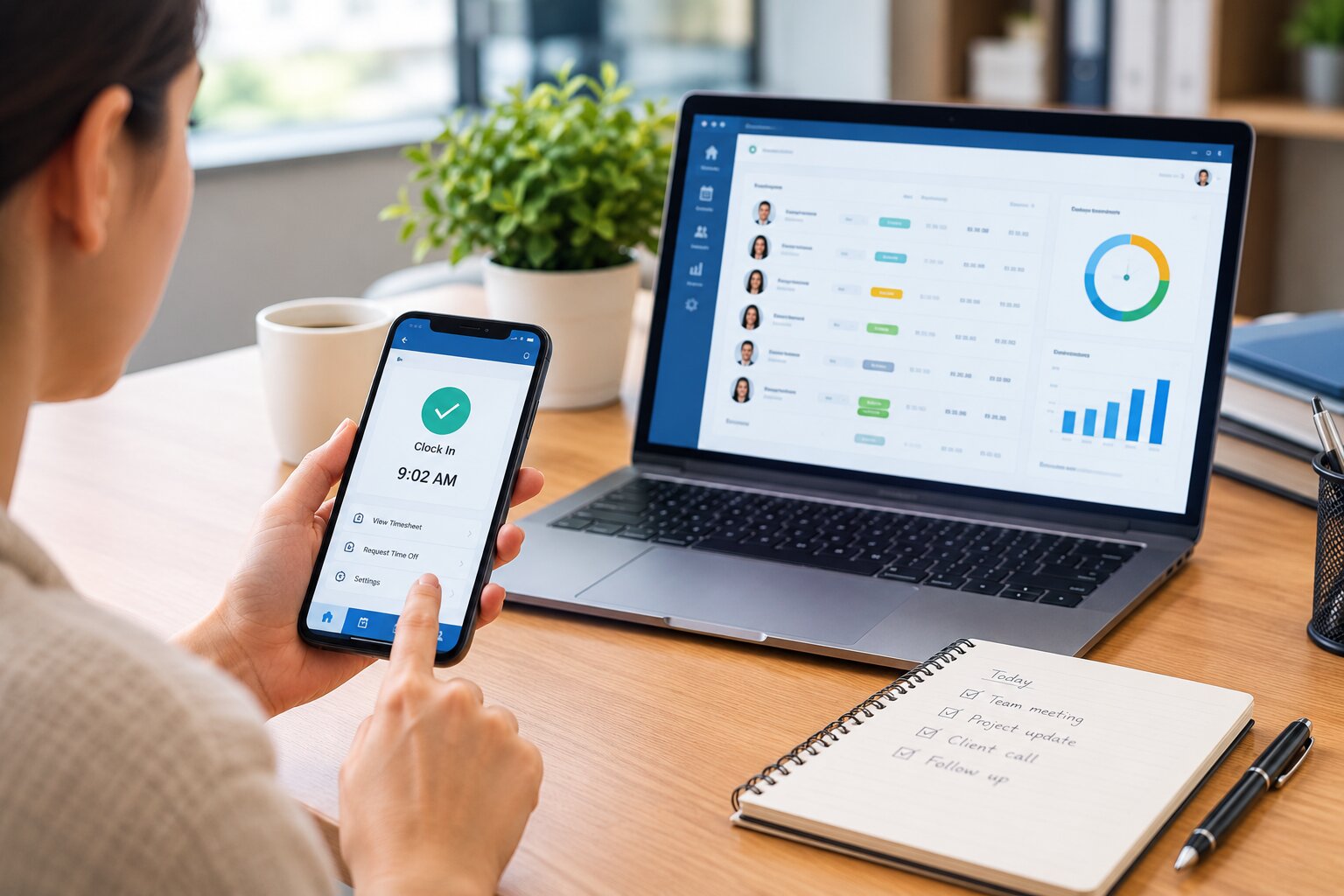
Tracking employee hours is an essential part of managing payroll, attendance, overtime, scheduling, and workforce productivity. For many small businesses, spreadsheets are often the first solution because they are inexpensive and easy to set up. However, as the workforce grows, spreadsheet-based time tracking can become difficult to maintain.
Employees may forget to update their hours, managers may have to review multiple files, and payroll teams may spend unnecessary time checking calculations. Spreadsheet errors, duplicate entries, missing information, and outdated records can also make it difficult to understand how many hours employees actually worked.
Fortunately, businesses do not have to rely on spreadsheets to track employee hours. Modern time tracking software, digital timesheets, mobile applications, web-based systems, and integrated workforce management platforms can provide a more organized way to record and manage working hours.
This guide explains how to track employee hours without spreadsheets, the different methods available, the benefits of moving away from manual tracking, and how businesses can choose a time tracking solution that fits their workforce.
Why Businesses Move Away From Spreadsheet-Based Time Tracking
Spreadsheets can be useful when a business has only a few employees and relatively simple schedules. Employees can enter their start and finish times, while managers can calculate total hours using formulas.
The problem usually appears as the business grows.
A company with a larger workforce may have employees working different shifts, locations, departments, or schedules. Managing this information through spreadsheets can require significant manual effort. Managers may need to collect files from multiple employees, check whether everyone has submitted their hours, correct errors, and prepare the information for payroll.
Spreadsheets also depend heavily on employees entering information correctly and on time. If someone forgets to record a shift or enters the wrong time, the business may not discover the problem until the records are reviewed.
For businesses that need more accurate and accessible workforce information, moving to a dedicated employee time tracking system can simplify the process.
What Does It Mean to Track Employee Hours Without Spreadsheets?
Tracking employee hours without spreadsheets means using a digital or automated system to record employee working time rather than relying on manually maintained Excel or similar files.
Depending on the software, employees may clock in and out using a computer, smartphone, tablet, or digital time clock. The system can then store the information in a centralized location.
Some solutions also connect employee hours with schedules, attendance records, overtime calculations, payroll processes, project tracking, and workforce reports.
The objective is not simply to eliminate spreadsheets. The bigger goal is to create a reliable process that makes it easier to record, review, manage, and report employee working hours.
The Best Ways to Track Employee Hours Without Spreadsheets
There are several ways businesses can move away from spreadsheet-based time tracking. The right option depends on the size of the workforce, where employees work, the complexity of schedules, and the type of information the business needs.
Use Employee Time Tracking Software
One of the most straightforward alternatives to spreadsheets is dedicated employee time tracking software.
Employees can record when they start and finish work through the software, while managers can access the information through a centralized dashboard. Instead of collecting individual spreadsheets, managers can review employee hours from one system.
Depending on the platform, businesses may also be able to track breaks, overtime, attendance, scheduled versus actual hours, and other workforce information.
This can significantly reduce manual data entry and make employee hours easier to manage.
For businesses looking for a broader workforce management solution, Office1Solution provides tools designed to connect employee scheduling, timesheets, HR operations, contractor management, compliance monitoring, and workforce reporting.
Use Digital Timesheets
Digital timesheets are another alternative to traditional spreadsheets.
Instead of employees filling out Excel files, they enter their working hours into an online timesheet system. The information is stored centrally and can be accessed by authorized managers.
Digital timesheets can make it easier to organize employee records and reduce the risk of losing individual files. They can also include automated calculations that reduce the need for managers to calculate total hours manually.
For businesses that still prefer employee-entered time records but want to move away from spreadsheets, digital timesheets can provide a practical transition.
Use a Mobile Time Tracking App
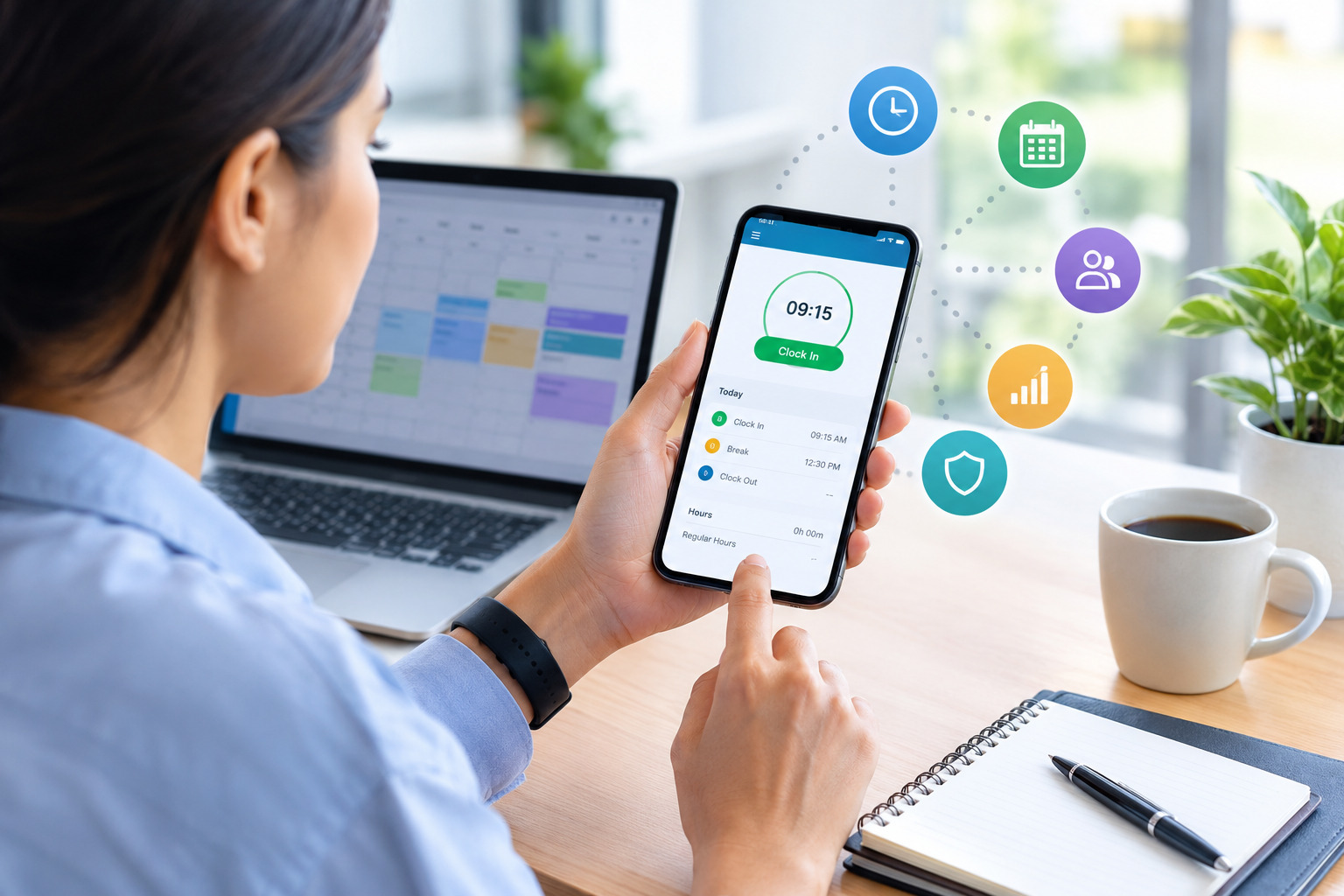
Mobile time tracking can be particularly useful for employees who do not work at a fixed desk.
Employees can use smartphones or tablets to clock in and out, record working hours, and sometimes submit time-related information while working remotely or in the field.
This approach can be useful for construction companies, service businesses, field teams, delivery operations, contractors, and businesses with employees working at different locations.
A mobile-based system can also provide greater flexibility than a traditional office time clock because employees do not have to return to a specific workstation to record their hours.
Use a Web-Based Clock-In and Clock-Out System
Businesses with office-based or remote teams can use a web-based time tracking system that allows employees to clock in and out through a browser.
This method can be particularly convenient for organizations where employees already work on computers throughout the day.
Instead of manually entering working hours into a spreadsheet, employees can record their start and finish times directly in the system. Managers can then review the information through their own dashboard.
A web-based system can also make it easier to support remote and hybrid employees because the system is not tied to a physical time clock.
Use Digital Time Clocks
For businesses where employees work at a physical location, digital time clocks can replace paper timesheets and spreadsheets.
Employees can clock in and out using a PIN, employee ID, access card, or another identification method. The system stores the records electronically.
Digital time clocks can be useful for manufacturing facilities, warehouses, retail locations, restaurants, offices, and other workplaces where employees generally work from a specific location.
However, businesses with remote or mobile employees may need a more flexible solution.
Connect Time Tracking With Employee Scheduling
One of the biggest improvements businesses can make is connecting employee time tracking with scheduling.
A schedule shows when employees are expected to work, while time tracking shows when they actually worked. Comparing the two provides a clearer picture of workforce attendance.
For example, an employee may be scheduled from 9:00 AM to 5:00 PM but regularly clock in at 8:30 AM and leave at 5:30 PM. Over time, these additional hours could create an overtime issue.
When scheduling and time tracking work together, managers can identify these patterns more easily.
Businesses can learn more about improving this process through Office1Solution’s content on employee scheduling for small businesses.
Automate Employee Hour Calculations
One major problem with spreadsheets is that managers often have to rely on formulas to calculate total hours.
A dedicated time tracking system can automate many of these calculations.
For example, the system may calculate daily and weekly working hours, account for breaks, identify overtime, and organize employee records automatically.
Automation does not remove the need for managerial oversight. Instead, it reduces repetitive administrative work so managers can spend more time reviewing exceptions and addressing workforce issues.
Track Overtime Automatically
Overtime is one of the areas where manual spreadsheets can become particularly difficult.
When employees work different schedules, managers may need to calculate overtime manually and compare actual working hours against company policies.
A dedicated time tracking solution can make overtime information easier to identify. Managers can review employee hours and determine where additional hours are occurring.
Time tracking becomes even more useful when it is connected with scheduling because managers can identify employees who are approaching overtime before additional hours accumulate.
For related information, see How to Manage Employee Overtime Through Better Scheduling.
Use Automated Attendance Tracking
Employee hours and attendance are closely related, but they are not exactly the same thing.
Attendance tracking focuses on whether employees were present as scheduled, while time tracking records the amount of time they worked.
A modern workforce management system can bring these processes together. Managers can review attendance records alongside working hours and scheduled shifts.
This can help identify issues such as missed shifts, late arrivals, early departures, or repeated attendance discrepancies.
Track Hours by Project or Task
Some businesses do not only need to know how many hours employees worked. They also need to understand where those hours were spent.
Project-based time tracking allows employees to assign working hours to specific projects, clients, departments, or tasks.
For example, an employee may work eight hours in one day but spend four hours on Client A, two hours on Client B, and two hours on internal tasks.
This information can help businesses understand resource allocation and project costs.
It can also be useful for agencies, consulting firms, professional services companies, software businesses, and other organizations where employee time is connected to projects.
Track Employees Across Multiple Locations
Spreadsheet tracking can become especially difficult when employees work across multiple locations.
Managers may end up maintaining separate files for different branches, departments, or sites. Consolidating this information can take considerable time.
A centralized time tracking system can provide one place for managing employee hours across multiple locations.
Managers can review location-specific information while maintaining a consistent approach to employee time tracking.
For businesses with distributed teams, this can make workforce reporting and scheduling easier to manage.
Use Cloud-Based Workforce Management Software
Cloud-based workforce management software can provide a more complete alternative to spreadsheet-based processes.
Instead of using separate files for schedules, employee hours, attendance, and reports, businesses can manage multiple workforce processes through a connected platform.
This can reduce duplicate data entry and make information easier for authorized users to access.
For example, employee scheduling information can be used alongside timesheet data to compare planned and actual working hours. Workforce reports can then provide management with a broader view of staffing and labor utilization.
This approach is particularly useful for growing businesses that need a system that can scale as their workforce becomes more complex.
How to Track Employee Hours Without Creating More Administrative Work
Moving away from spreadsheets should make time tracking easier, not simply replace one manual process with another.
The first step is to select a system that employees can use easily. If clocking in or submitting time takes too many steps, employees may forget or enter information incorrectly.
Businesses should also establish clear rules. Employees should know when they need to clock in, when breaks should be recorded, how overtime is handled, and what to do if they forget to record their time.
Managers should have a simple process for reviewing unusual records. Instead of checking every employee record manually, the system should help highlight missing entries, unusual hours, or other exceptions where possible.
Benefits of Tracking Employee Hours Without Spreadsheets
Moving to a dedicated employee time tracking system can provide several operational benefits.
Better Accuracy
Automated time tracking can reduce the number of manual calculations and data-entry mistakes involved in maintaining spreadsheets.
When employees record their time directly through a centralized system, managers have access to more consistent records.
Less Administrative Work
Collecting spreadsheets from employees can take considerable time. Managers may need to combine files, check formulas, correct errors, and prepare information for payroll.
A centralized system reduces much of this repetitive work.
Easier Overtime Management
When working hours are automatically recorded and organized, managers can identify overtime more easily.
This can help businesses understand where additional labor hours are occurring and make better scheduling decisions.
Better Workforce Visibility
A centralized system gives managers a clearer view of employee working hours.
Instead of waiting for employees to submit weekly spreadsheets, managers can access current information through the system.
Improved Scheduling Decisions
Time tracking data can help businesses understand whether schedules accurately reflect actual workforce requirements.
If employees consistently work beyond their scheduled hours, managers may need to adjust staffing levels or shift structures.
Easier Reporting
Dedicated software can generate reports without requiring managers to build spreadsheet formulas manually.
Depending on the platform, reports may cover working hours, attendance, overtime, schedules, departments, locations, or projects.
How to Implement a Time Tracking System
Moving away from spreadsheets does not have to happen all at once. Businesses can introduce a new system in stages.
The first step is to understand the current process. Identify how employees record their hours, who reviews the information, how overtime is calculated, and how records are transferred to payroll.
Next, determine what problems the business wants to solve. For some companies, the biggest problem may be missing time entries. For others, it may be overtime, remote work, multiple locations, or excessive administrative work.
Once the requirements are clear, businesses can select a time tracking system that fits their workforce.
Employees should then receive clear instructions about how the new system works. A short training session can explain clock-in and clock-out procedures, break recording, corrections, and other important policies.
After implementation, managers should review the system regularly and make adjustments if employees encounter recurring problems.
How to Get Employees to Use a New Time Tracking System
Employee adoption is an important part of successful time tracking.
Employees should understand why the company is introducing the system. The purpose may include improving payroll accuracy, simplifying timesheets, managing schedules, tracking overtime, or reducing administrative work.
The system should also be easy to use. Employees should not have to navigate complicated menus simply to record the start or end of their shift.
Businesses should create a clear policy explaining how time records are maintained and how employees can request corrections when a mistake occurs.
Clear communication can help make the transition smoother and reduce confusion.
Common Mistakes to Avoid When Replacing Spreadsheets
One common mistake is selecting software based only on the number of features. A system may have many capabilities but still be difficult for employees and managers to use.
Another mistake is failing to define time tracking policies before implementation. Software cannot solve unclear workplace procedures.
Businesses should also avoid collecting unnecessary employee information. Time tracking should focus on legitimate workforce management requirements, with appropriate consideration for privacy and applicable laws.
Finally, businesses should not ignore integration requirements. If time tracking needs to work with scheduling, payroll, HR, or workforce reporting, those requirements should be considered before selecting a solution.
What Features Should Employee Time Tracking Software Have?
The features required will vary depending on the business, but several capabilities are commonly useful.
A good system should provide straightforward clock-in and clock-out functionality, employee timesheets, working-hour calculations, and attendance information.
Businesses may also benefit from overtime tracking, schedule integration, mobile access, reporting, project tracking, multiple-location support, and role-based access controls.
For growing organizations, scalability is another important consideration. A solution that works for a small team should ideally be capable of supporting additional employees, departments, locations, and schedules as the business expands.
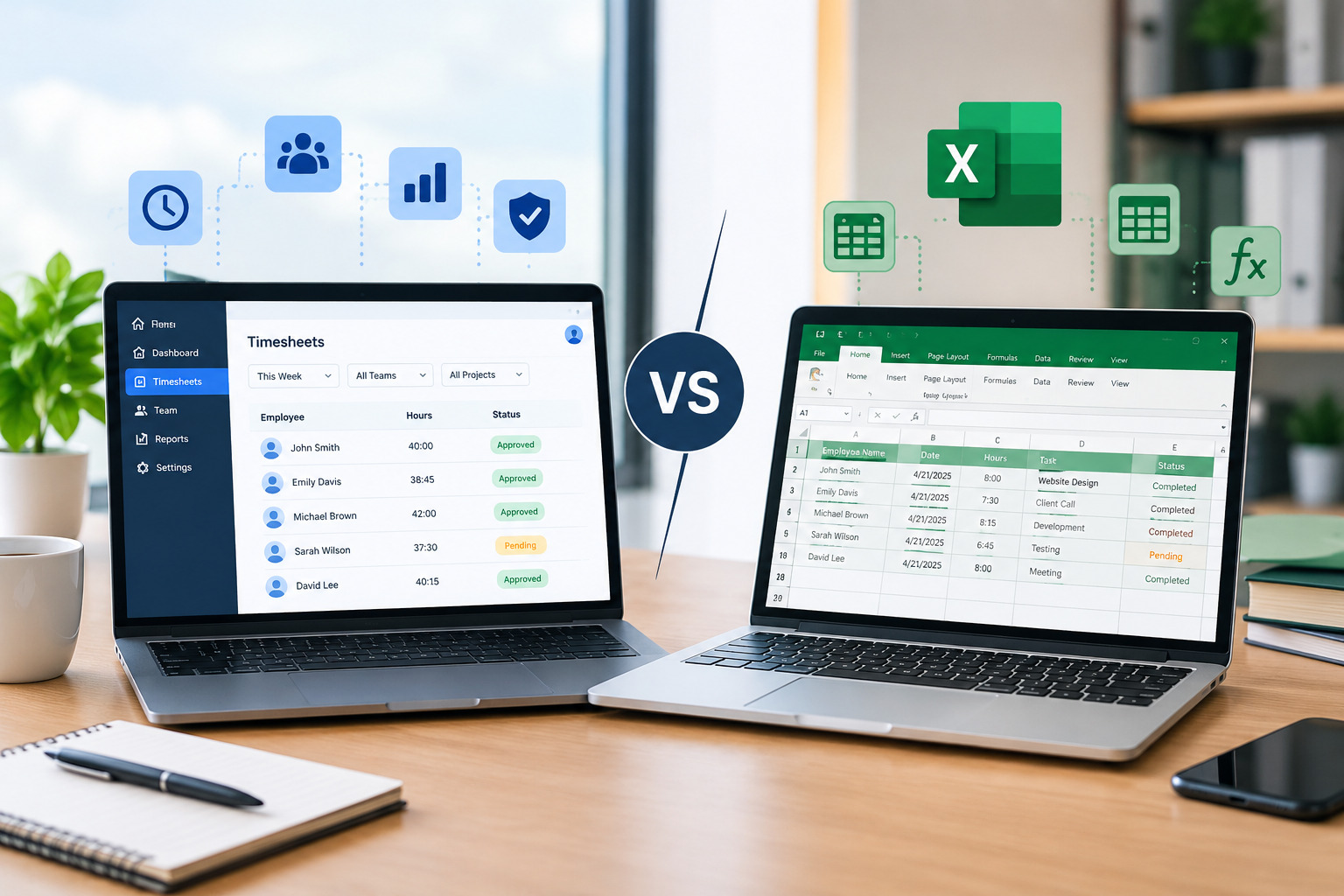
Time Tracking Software vs. Spreadsheets
The biggest difference between time tracking software and spreadsheets is the level of automation and centralization.
Spreadsheets generally depend on employees or managers entering and maintaining information manually. Software can automate time collection, calculations, reporting, and other processes.
Spreadsheets can still be appropriate for very small businesses with simple requirements. However, businesses with complex schedules, remote teams, multiple locations, or significant overtime may benefit from a more automated approach.
For a detailed comparison, businesses can also read Time Tracking Software vs. Timesheets.
When Should You Stop Using Spreadsheets for Employee Hours?
There is no specific employee count at which every business needs to stop using spreadsheets.
The better question is whether the spreadsheet process is still reliable and efficient.
If managers regularly spend hours collecting timesheets, correcting errors, calculating overtime, or preparing reports, the business may have outgrown its manual process.
The same may be true if employees work different shifts, locations, or schedules, or if the company has introduced remote and hybrid work.
When time tracking becomes difficult to maintain, dedicated software can provide a more scalable alternative.
How Office1Solution Can Support Employee Time Tracking
Businesses looking to move beyond spreadsheets can consider a broader workforce management approach rather than treating time tracking as an isolated process.
Office1Solution is designed to support workforce management activities such as employee scheduling, timesheets, HR operations, contractor management, compliance monitoring, and workforce reporting.
By connecting employee hours with other workforce processes, businesses can reduce fragmented recordkeeping and gain a more organized view of their workforce.
This type of approach can be particularly useful for businesses that have outgrown spreadsheets and need a system that can support changing workforce requirements.
Frequently Asked Questions
How can I track employee hours without Excel?
You can track employee hours using dedicated time tracking software, digital timesheets, mobile apps, web-based clock-in systems, digital time clocks, or workforce management platforms.
What is the easiest way to track employee hours?
For many businesses, a simple digital time tracking system that allows employees to clock in and out electronically can be easier to manage than manual spreadsheets. The appropriate solution depends on the workforce and business requirements.
Can employee time tracking be automated?
Yes. Many modern systems can automate time collection, hour calculations, overtime identification, reporting, and other administrative processes.
How do I track remote employee hours?
Remote employees can record their working hours using cloud-based time tracking software or mobile applications. The appropriate method should reflect the company’s work policies and applicable requirements.
Can time tracking software calculate overtime?
Many time tracking systems can calculate or identify overtime based on configured work schedules and business rules. Managers should still review records and apply the organization’s applicable policies.
Can employee time tracking work with scheduling software?
Yes. Connecting time tracking with scheduling can allow businesses to compare scheduled hours with actual hours worked and identify attendance or overtime patterns.
Is time tracking software better than spreadsheets?
The answer depends on the business. Spreadsheets can work for small teams with simple requirements, while dedicated software can provide greater automation and scalability for businesses with more complex workforce needs.
Final Thoughts
Tracking employee hours without spreadsheets can help businesses create a more organized and scalable workforce management process. While spreadsheets may be suitable for very small teams, they can become difficult to maintain when employee numbers, schedules, locations, and overtime requirements increase.
Digital timesheets, mobile apps, web-based systems, digital time clocks, and cloud workforce management platforms provide alternatives that can reduce manual work and improve access to employee time information.
The right approach depends on how your employees work and what your business needs to manage. Before choosing a solution, consider your workforce size, scheduling structure, remote or field employees, payroll requirements, overtime policies, reporting needs, and future growth.
By replacing fragmented spreadsheets with a suitable time tracking system, businesses can spend less time managing records and more time using workforce data to support better scheduling, payroll, and operational decisions.
Recent Posts
- Time and Attendance Software: Complete Guide for Employers
- Time and Attendance: What’s the Difference Between the Two?
- How to Reduce Timesheet Errors and Improve Payroll Accuracy
- Timesheet App for Employees: Features, Benefits & Best Practices
- Timesheet Software vs. Excel: Which Is Better for Businesses?
Stay Ahead. Simplify Workforce Management.
Empower your teams to work efficiently with a unified workforce platform built for clarity, control, and actionable insights across your organization.